How to Choose the Best Photo for Pet Portrait Jewellery
By the Toebi team · Updated
Quick answer: choose a sharp photo taken in natural daylight, with your pet looking towards the camera and their face filling most of the frame. Use the original file from your phone (not a screenshot or a social media copy), at least 800 pixels wide, with no filters. A blurry or dark photo can’t be fixed by engraving or printing — it only gets more obvious at small sizes.
The 6-point photo checklist
- Sharp eyes. Zoom in on the eyes. If they’re soft or blurry, pick another photo.
- Natural light. Daylight near a window or outdoors in the shade. Avoid flash, which flattens fur and causes red or green eyes.
- Face fills the frame. The pet should take up most of the photo, not be a small figure in the garden.
- Front-facing or slight angle. Both ears and both eyes visible works best for portraits and cut-out pendants.
- Original file. Photos sent through messaging apps or saved from social media are compressed. Send the original from your camera roll.
- No filters or stickers. Filters change fur colour and remove detail the designer needs.
Which photo suits which type of keepsake?
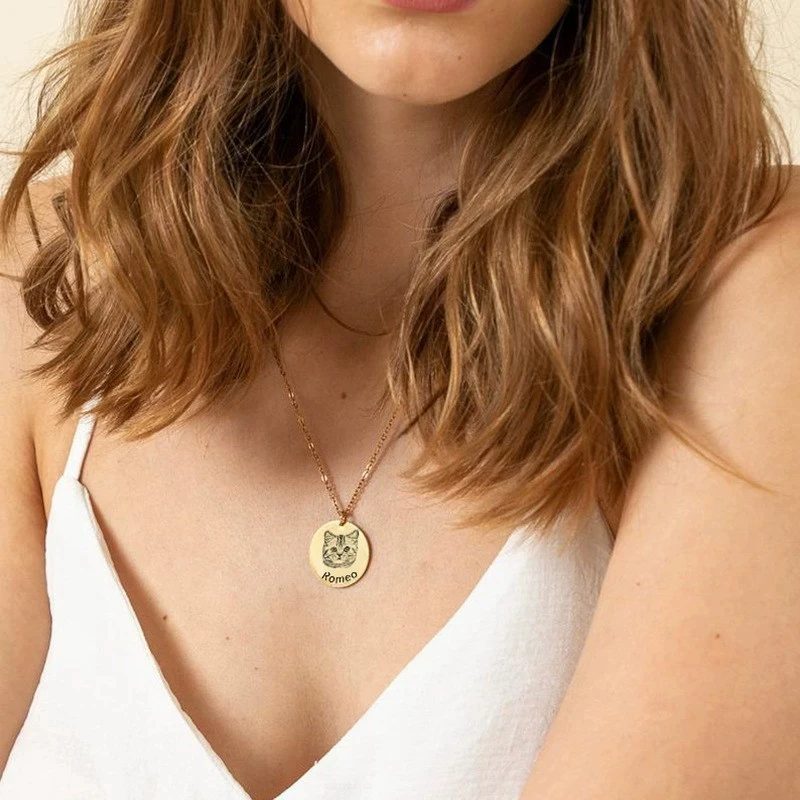
- Engraved line-art portrait (disc necklace): needs clear contrast between fur and background so the designer can trace the face. Front-facing photos work best.
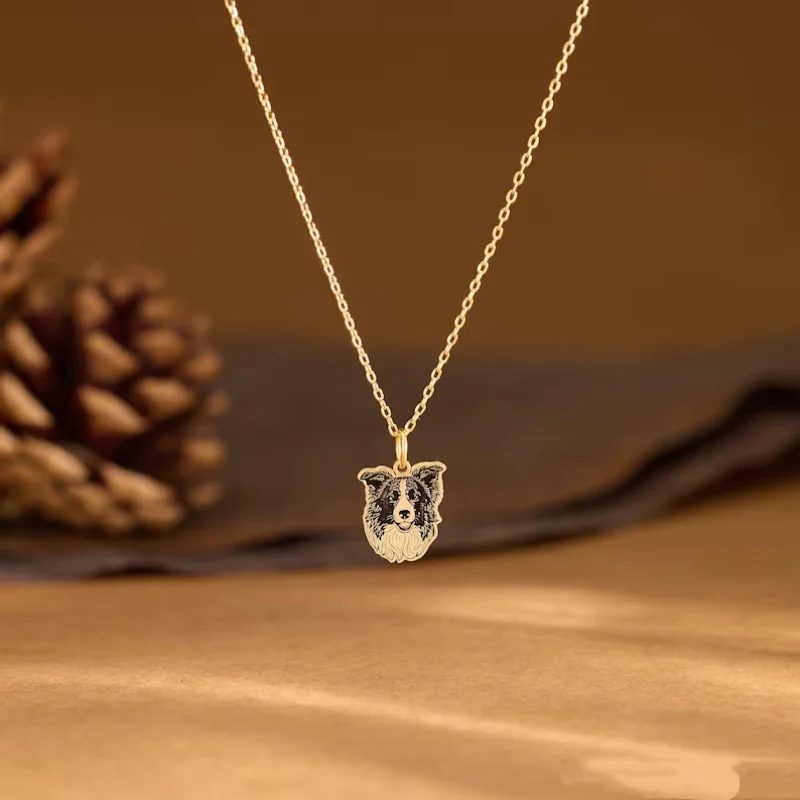
- Colour portrait cut to your pet’s outline: needs the whole head visible, including the tips of the ears. Plain backgrounds make the cut-out cleaner.
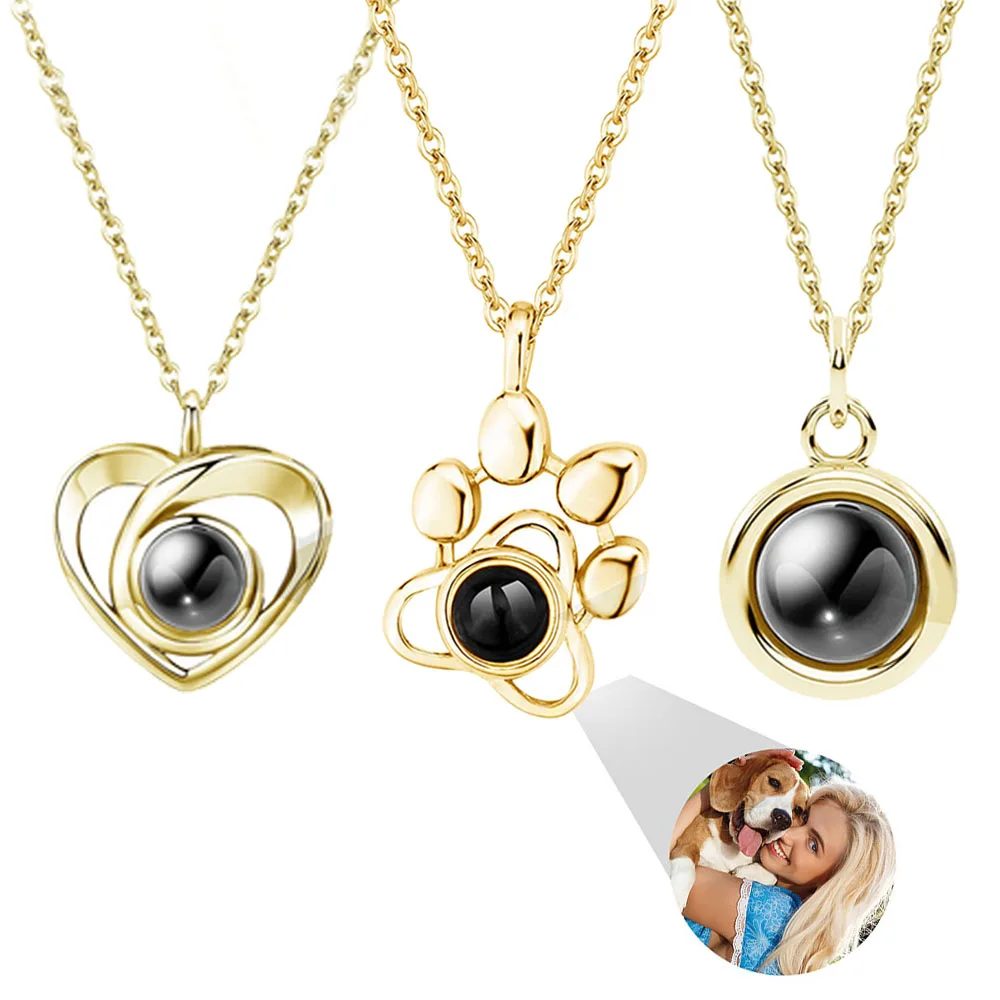
- Hidden photo lens pendant: the image is only a few millimetres across, so choose a close-up of the face. Small details and busy backgrounds disappear.
Common mistakes
- Dark fur in low light. Black dogs and cats lose all detail indoors at night. Try daylight.
- Cropped ears. For cut-out pendants, ears cut off by the frame can’t be redrawn accurately.
- Several pets in one photo. Most pieces are made from one face. Send a separate photo of each pet.
- Screenshots. They are low resolution and often include phone bars or text.
What if I only have old or low-quality photos?
That’s common for memorial pieces. Send the best few you have. At Toebi we check every photo by hand before anything is made, and we email you a preview to approve — if a photo won’t give a good result, we’ll tell you before production rather than after.
What size should the photo be?
Aim for at least 800 pixels on the shortest side. Any photo taken on a phone in the last few years is well above this, as long as it’s the original file. Our upload form warns you if a photo is smaller than recommended.